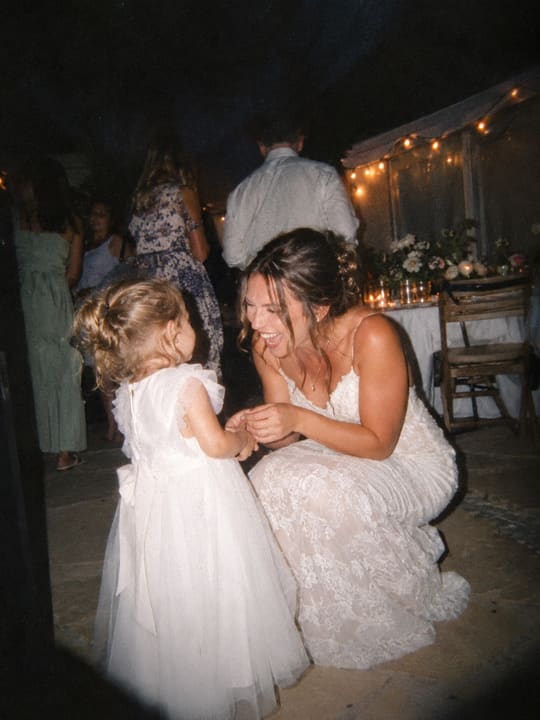
The Big Day
Reveals at 9:00 AM
Maya, Jonah and 10 others
Guests scan a code and take photos. Nothing to install, no account. Every photo stays sealed until the reveal, then the whole album opens for everyone at once.
The iPhone app is with Apple for review. You can start in your browser today.
The Big Day
Reveal in At 9:00 AM
Example chapter
How it works
Name it, then choose when the camera opens and closes and when everyone gets to see the photos. It takes a few minutes.
Print the QR code on table cards or send the link in a message. Guests scan it and the camera opens. No app, no account, just a first name.
Everyone takes photos. Nobody can look: not guests, not you. At the reveal, the whole album opens at once.
Try it
This is how the camera feels to a guest. Take a photo and you get… nothing. It goes straight into the sealed pile, just like at a real event.
Your photo stays on this page. It is never uploaded or saved, and it is gone when you close the tab.
Rather use your phone?Scan this code and the camera opens there.
Your browser will ask to use the camera.
That’s all three.
They’re sealed. Scroll down to watch the night, or skip straight to morning.
Camera off
The party is in full swing.
Guests take photos all night. Every one goes straight into the sealed pile, and nobody can open it.
The camera closes at 11:00 PM.
The party goes on, but the photos are finished. Not one has been seen.
Overnight, nothing changes.
Guests can’t look. The host can’t look. Our support tools can’t look. A photo only opens at the reveal.
Almost morning.
Everyone is wondering what everyone else caught. You’ll all find out together.
9:00 AM
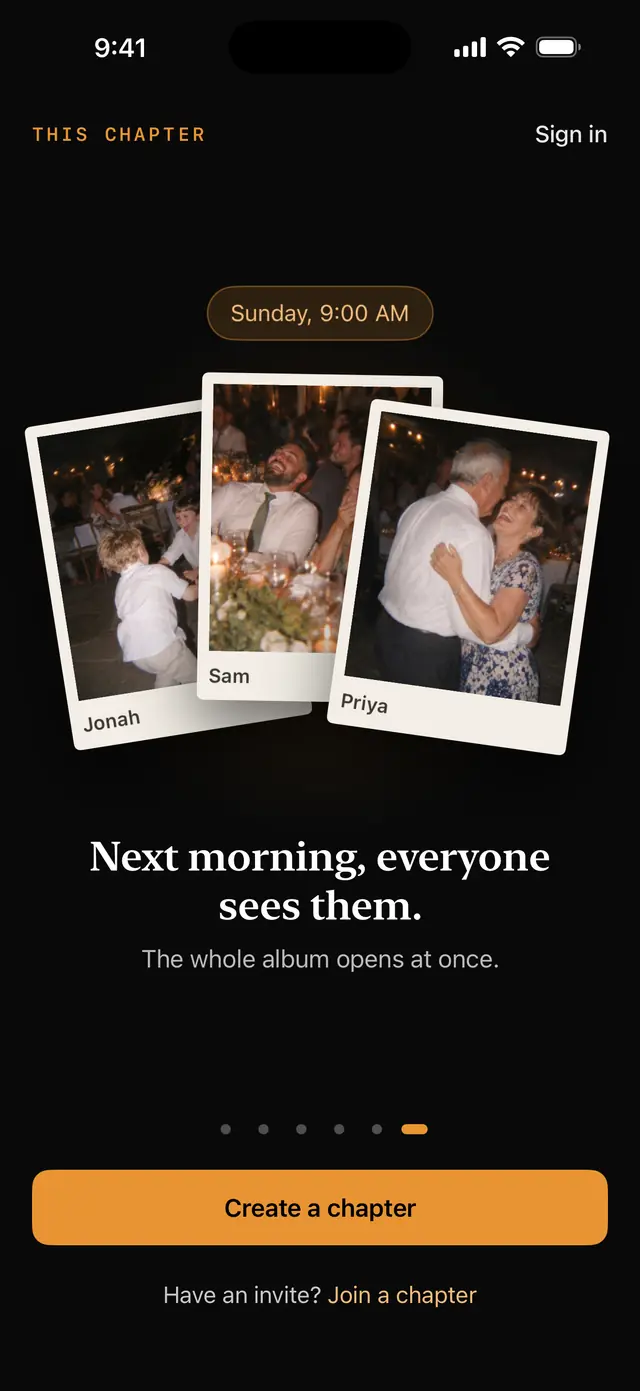
All night, nothing changed. The photos stayed sealed for everyone: guests, the host and our support tools. At the reveal, the whole album opens at once.
The album
Every guest’s photos, from every corner of the room, in one album. You’ll find the ones you would never have thought to take.
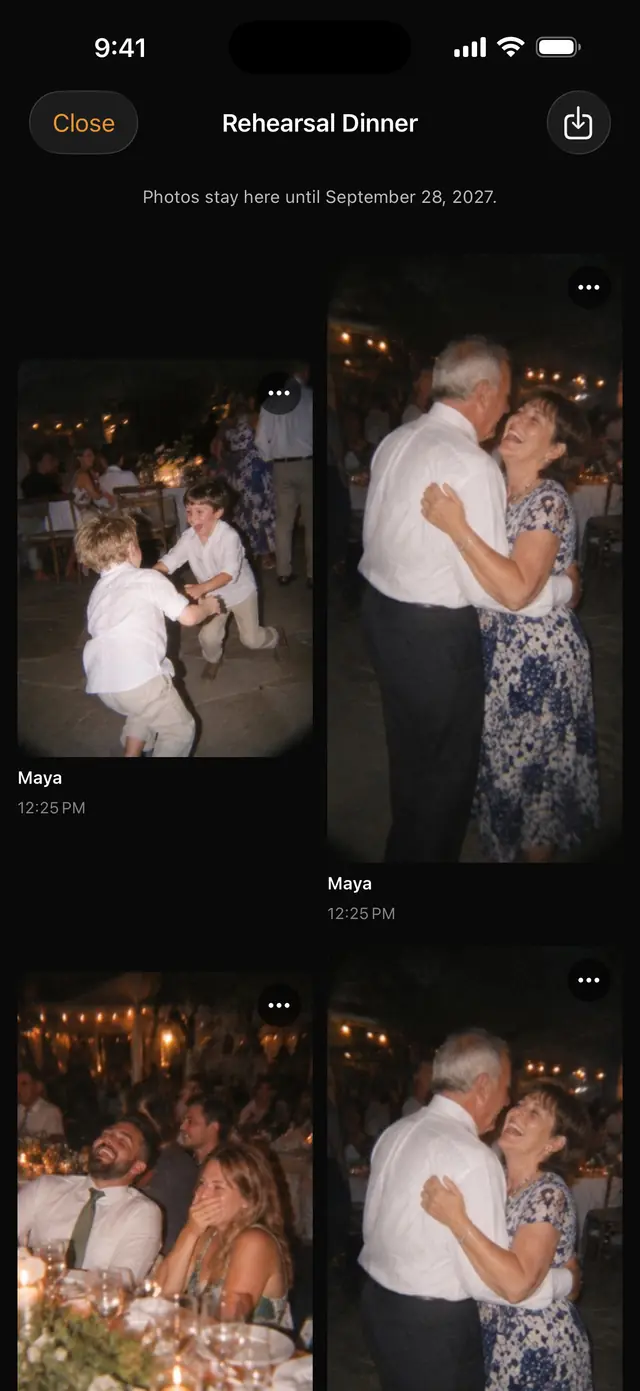
Built for real parties
On a trip or a wedding weekend, each day opens on its own morning, so there is something new to see every day. Chapters can run up to 7 days.
Once a guest has joined, the camera keeps working with no signal. Photos wait on the phone and send when the page is open and there is signal.
No ads and no tracking. Nothing automated looks at your photos, and they are encrypted with a key for each chapter.
This site itself loads nothing from anyone else: no trackers, no cookies. You can check.
See who has joined and how many photos have come in, without seeing any. Keep the camera open longer if the party runs late. After the reveal, take down any photo. Remove any guest at any time.
No filter, a warm disposable look, or black and white. Every photo in the chapter matches, and all three are free.
Photos stay in your album for a full year after the reveal. Save the ones you want to your phone whenever you like.
Pricing
Pay once for a chapter. No subscription, no watermark, nothing to renew. Everything else is included at every size.
Up to how many guests?
Prices are in US dollars. In the App Store, you will see the price in your own currency.
Up to 25 guests
$9
One time, for this chapter
Today: free chapters work in your browser. Bigger sizes arrive with the iPhone app.
For every kind of night
Questions
No. Guests scan your QR code, or tap your link, and the camera opens right in their browser. There is nothing to install and no account to make. They type a first name, confirm they are 13 or older, and start taking photos.
iPhone and Android phones, in the browser they already have: Safari on iPhone, Chrome on Android. Guests scan the code with their normal camera app. We test on iPhone first. Android works the same way but has had less testing, so if a phone gives you trouble, tell us and we will look into it.
No. Nobody can, not even the host. Until the reveal time, no one is shown a single photo: not guests, not you, and not our support tools.
You can see who has joined and how many photos have come in, but never the photos themselves.
Once a guest has joined, the camera keeps working with no signal. Each photo is saved on the guest’s phone first and sent while the page is open and there is signal. If a guest closes the page, unsent photos wait on the phone and send the next time they open their link. A guest does need a signal for the first visit, to join.
A full year after the reveal. With the iPhone app, the album shows the exact date. Save the photos you want to keep before then. If you delete your account, your chapters and their photos are erased.
A chapter for up to 10 guests is free. Bigger chapters are a one-time price for that chapter, from $9 for 25 guests to $99 for 250. There is no subscription and no watermark. You can run up to 3 free chapters at the same time.
Chapters for more than 10 guests are bought in the iPhone app, through the App Store, so Apple handles refunds, as it does for every App Store purchase. You can ask Apple at reportaproblem.apple.com. If you would like a hand with that, write to hello@thischapter.app. A chapter for up to 10 guests is free, so there is nothing to refund.
Start for free
Set one up in a few minutes. Nothing to install. Free for up to 10 guests.
The iPhone app is with Apple for review. You can start in your browser today.